 Vymote
Press kit
Everything for a review or an article about Vymote: the app icon, App Store screenshots, short descriptions and key facts. Questions and interview requests: support@vymote.app.
App icon
Download the icon (PNG, 1024 × 1024)
Please don’t change its colors or shape, or add effects.
App Store screenshots
The six screenshots of the App Store page (iPhone, English). Click a screenshot for the larger version.
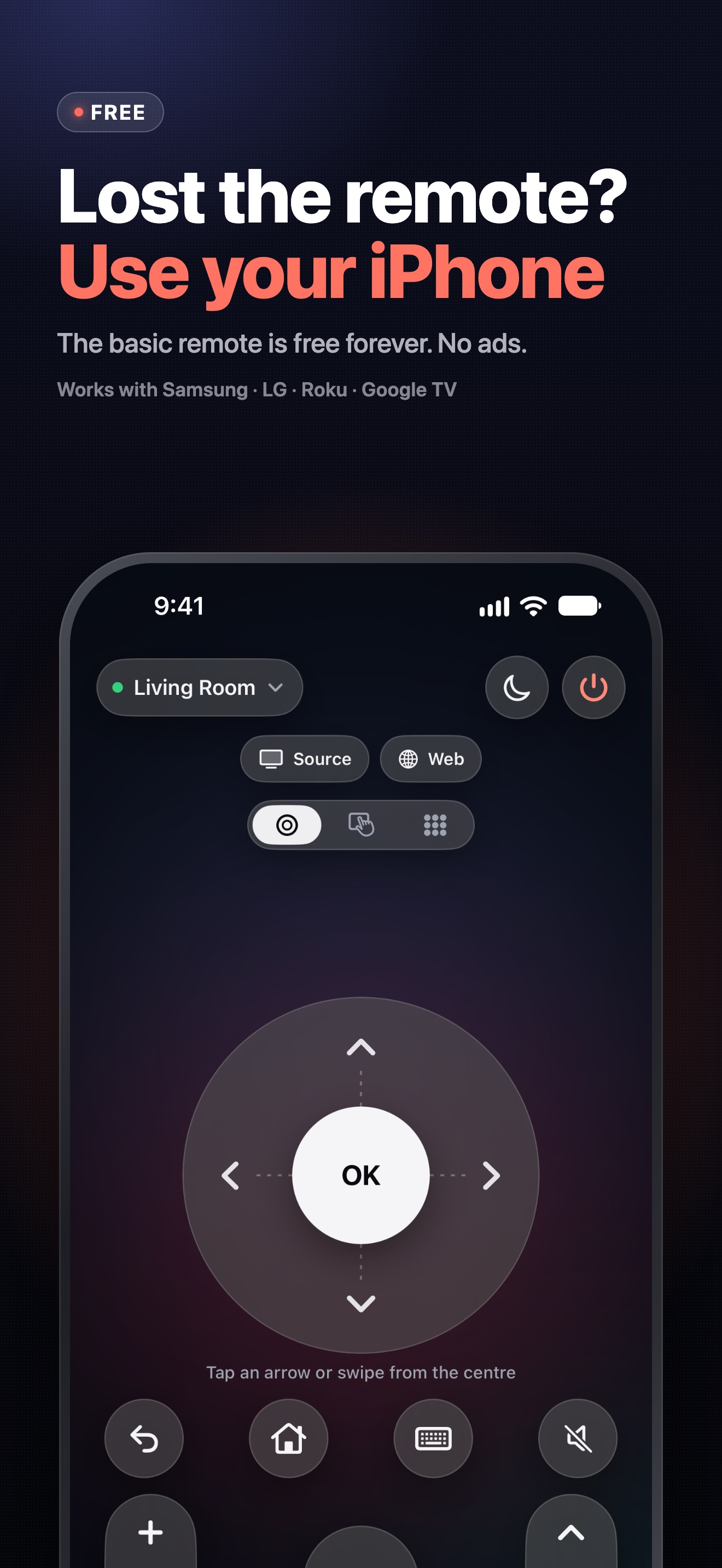
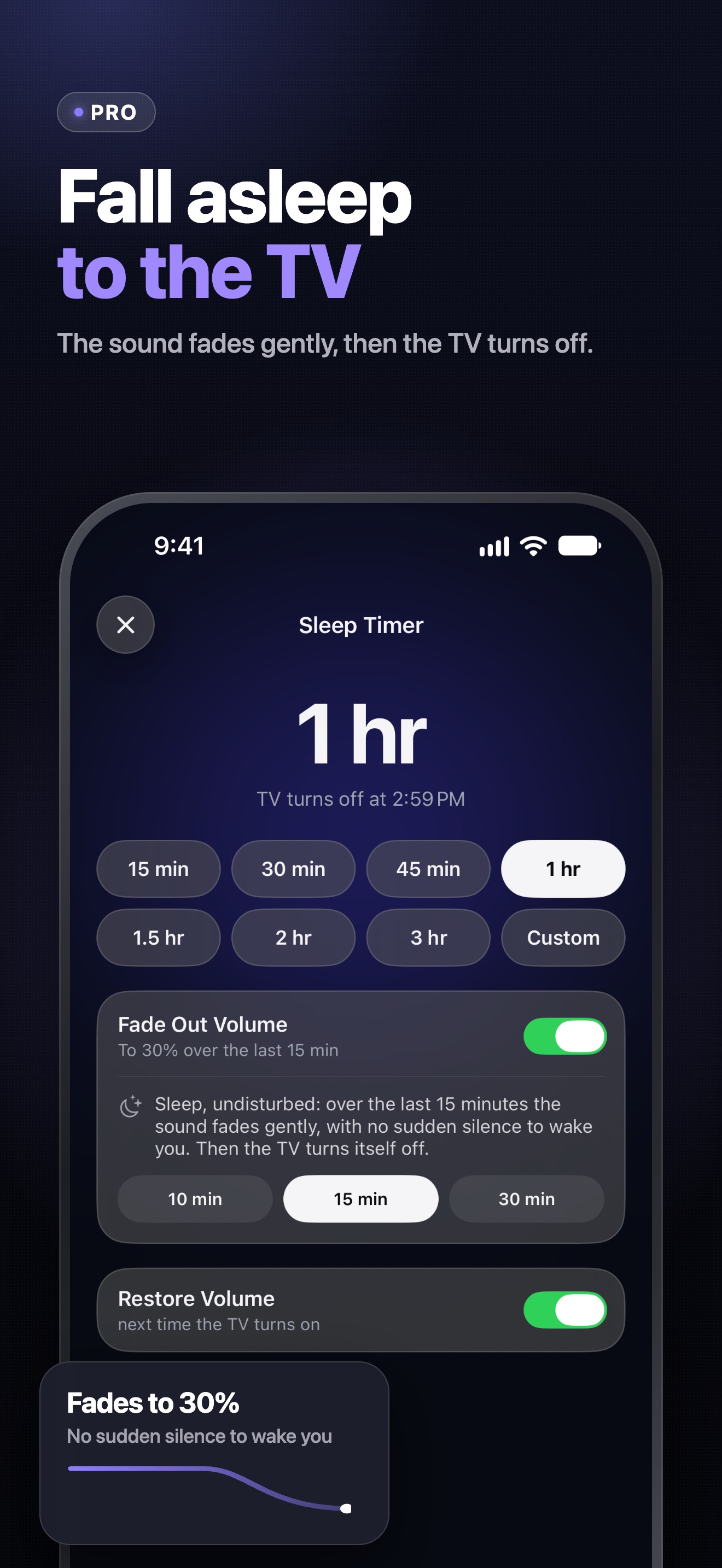
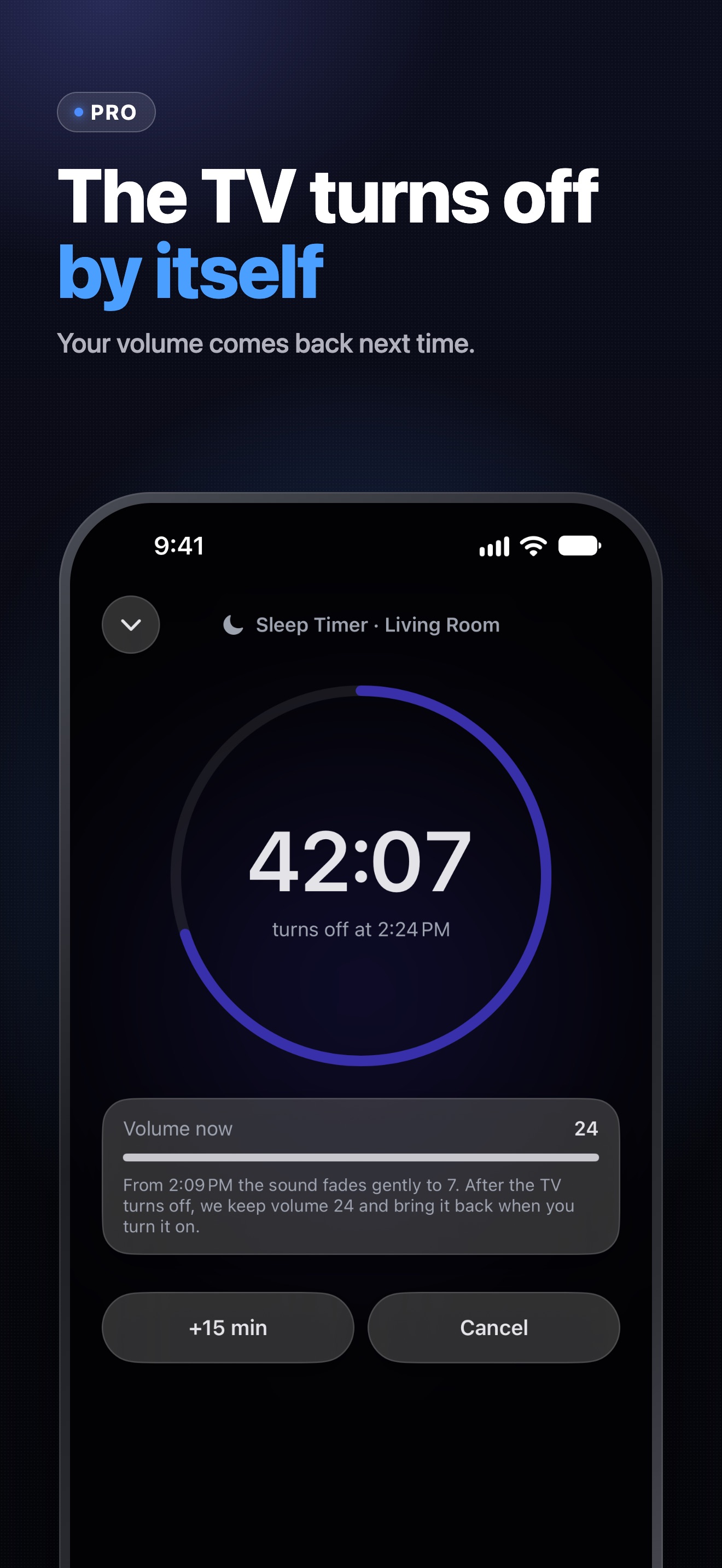
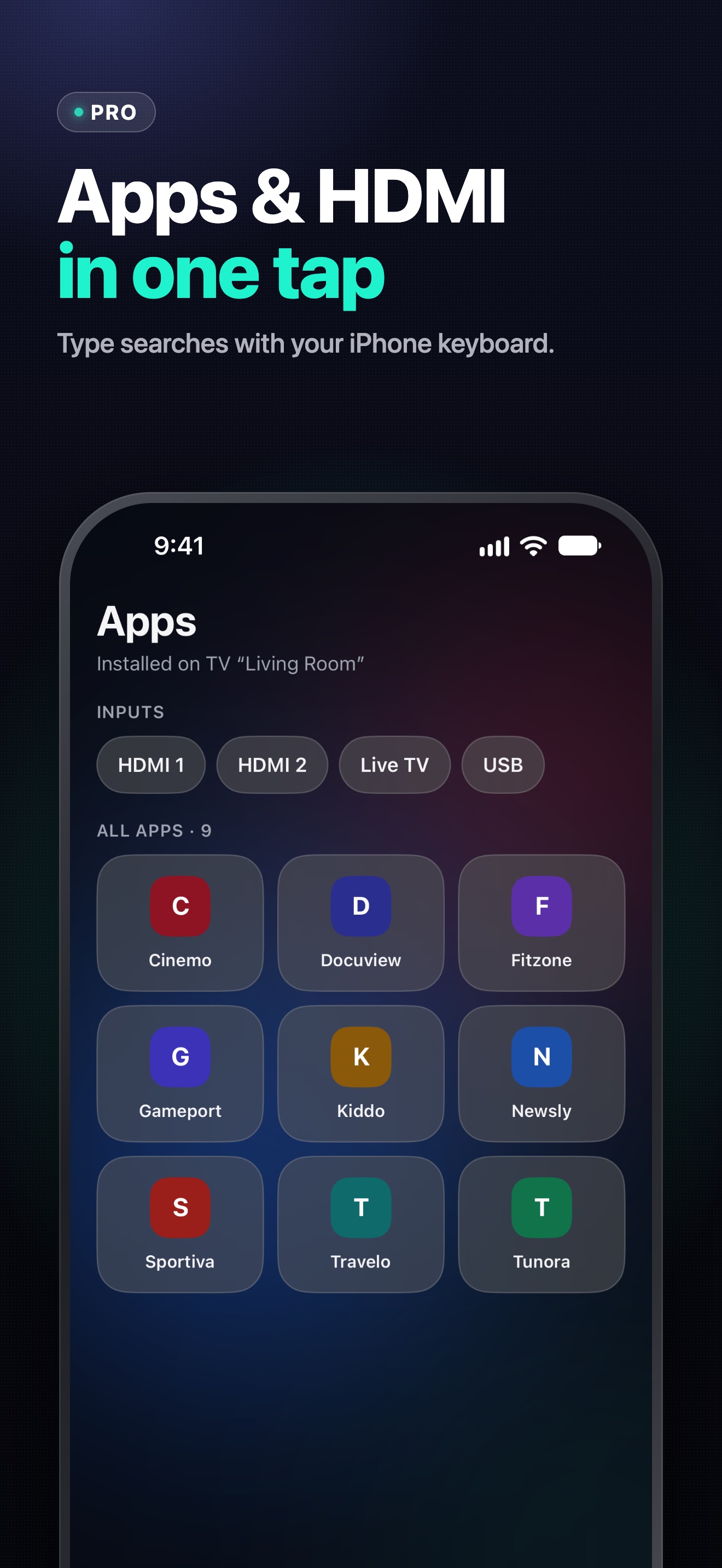
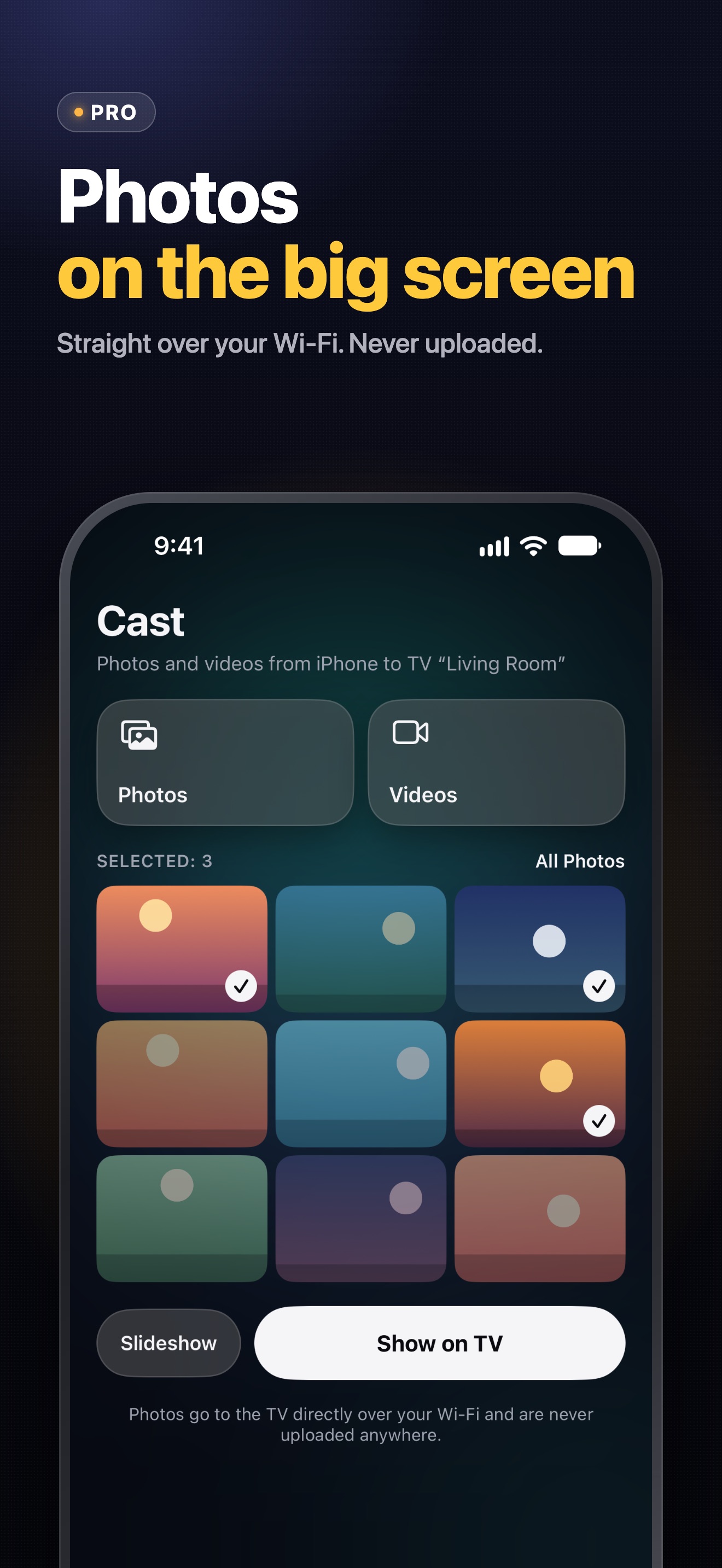
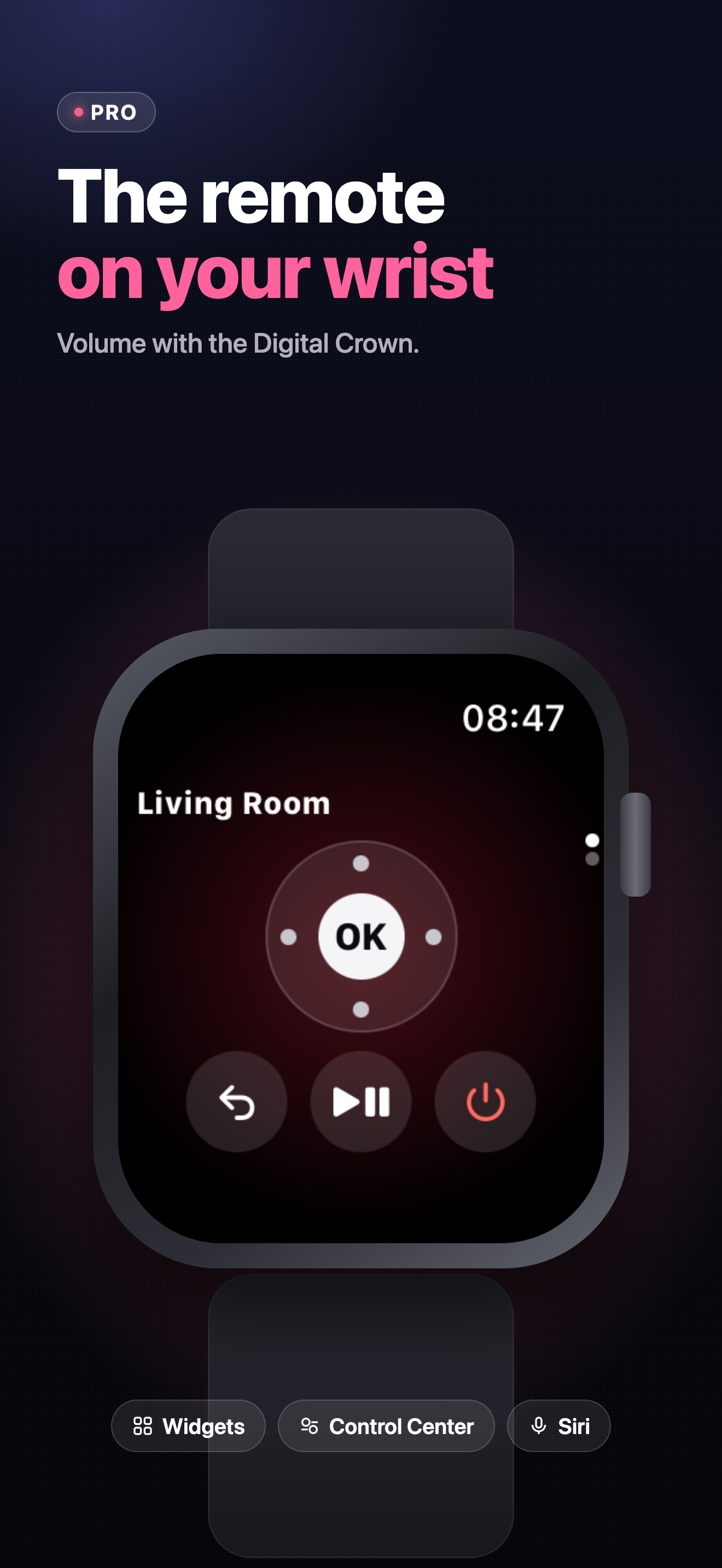
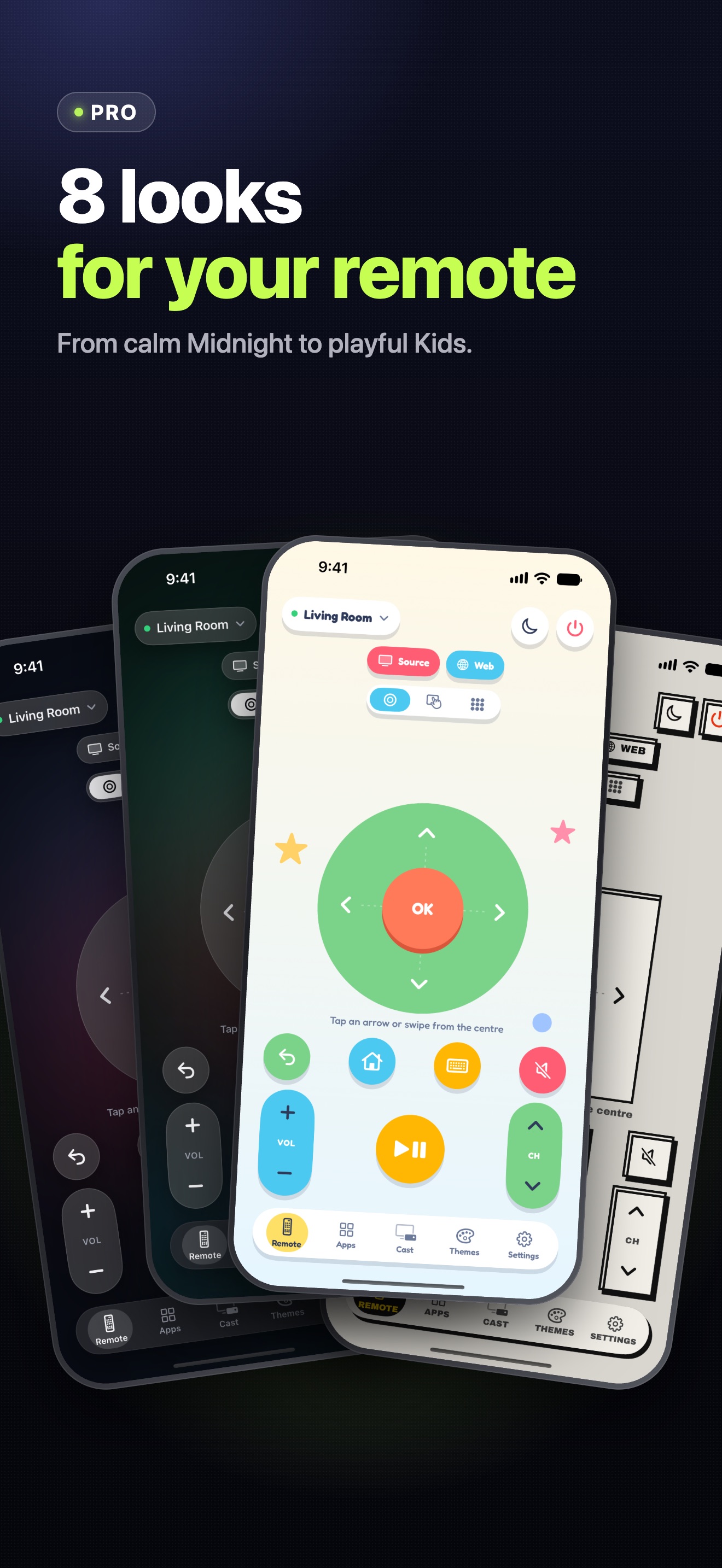
Screenshots show a demo TV called “Living Room” and made-up TV apps. You may use them in reviews and articles about Vymote.
About Vymote in 50 words
Vymote turns your iPhone and Apple Watch into a remote for smart TVs. It works over your home Wi‑Fi with Samsung smart TVs (2016 and newer), LG webOS TVs, Roku TVs and players, and TVs with Google TV or Android TV — no infrared needed. The basic remote is free; Vymote Pro adds a sleep timer, photos and videos on the TV, the keyboard, widgets and Siri.
About Vymote in 150 words
Vymote is a TV remote app for iPhone and Apple Watch. It controls smart TVs over the home Wi‑Fi network: iPhone has no infrared, and Vymote doesn’t need it. It works with Samsung smart TVs (2016 and newer), LG webOS TVs, Roku TVs and players, and TVs with Google TV or Android TV.
The free remote turns the TV off and has volume, arrows, OK, Back and Home for one TV, with no ads. Vymote Pro adds a sleep timer that gently fades the sound to 30% before it turns the TV off, photos and videos from the iPhone on the TV, typing with the iPhone keyboard, TV apps and HDMI inputs, widgets, Control Center, Siri, Apple Watch with the Digital Crown for volume, and every TV in the home.
Commands, photos and videos go straight from the iPhone to the TV on the home network, never through a cloud, and no account is needed. Vymote is available in 14 languages.
Key facts
| Name | Vymote: Universal TV Remote |
|---|---|
| Developer | NEMESIDA SMART DATA LTD, Limassol, Cyprus |
| Price | Free download. The basic remote is free forever, with no ads; Vymote Pro is a subscription: $5.99 per week (3 days free for new subscribers) or $29.99 per year (US prices; the App Store shows local prices). |
| Platforms | iPhone with iOS 17.0 or later; Apple Watch with watchOS 10.0 or later |
| TVs | Samsung smart TVs (2016 and newer), LG webOS TVs, Roku TVs and players, and TVs with Google TV or Android TV. iPhone and TV must be on the same Wi‑Fi network. |
| Languages | English, 日本語, Deutsch, Français, Español, Italiano, 한국어, 繁體中文, Русский, Português (Brasil), Nederlands, Svenska, Polski, Türkçe |
| Current version | 1.1 |
| App Store | Coming soon to the App Store. |
| Website | vymote.app · Support · Privacy Policy |
| Contact | support@vymote.app |
Vymote is not affiliated with, endorsed by or sponsored by Samsung, LG, Roku or Google. Samsung, LG, Roku, Google TV and Android TV are trademarks of their respective owners.